

How to share a site
Herd makes it easy to share your local sites with the world. This is great for testing your sites on different devices, receiving webhooks, or sharing them with clients and colleagues. Herd uses Expose to share your sites.Sharing sites via Expose
Expose may not be available in all geographical regions due to regulatory reasons. If Expose isn’t available in your country, try ngrok.
Sharing from the Applications window
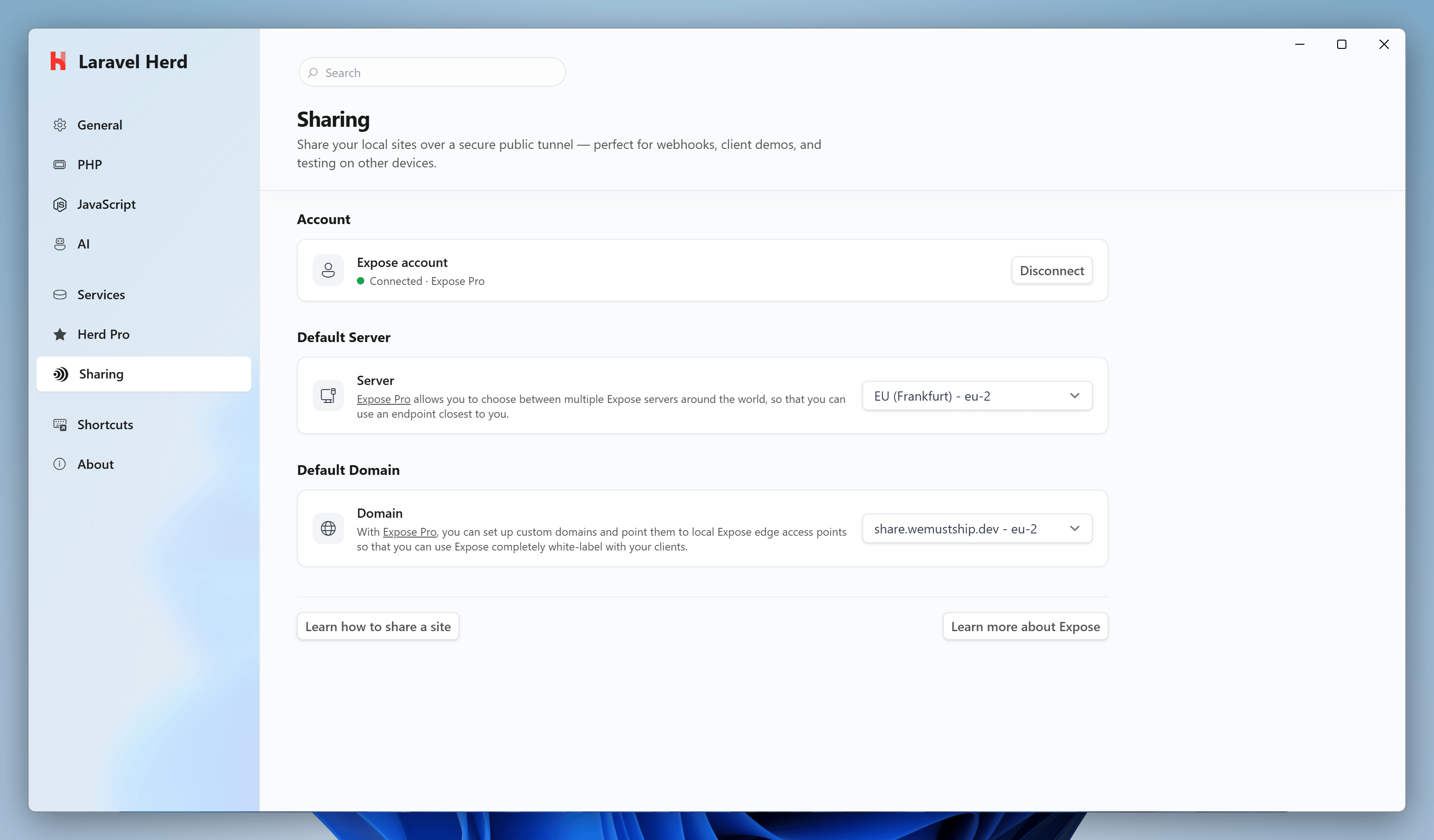
Select a site in the Applications window, click the share icon next to its URL and click “Start Sharing”. Herd shares the site and shows the public URL, which you can copy or open. “Open Dashboard” opens the local Expose dashboard where you can inspect all requests to your share. Click “Stop Sharing” once you’re done. Shares from the Applications window use the default server and domain from the Sharing settings. The share icon turns green while a site is shared, and Herd Studio shows the same share for the site. Herd stops all shares when you quit Herd.Sharing via the CLI
Once you connected your Expose account, you can share your sites by runningherd share in the site directory that you want to share.
share command.
Sharing with basic authentication
You may protect your share links with basic authentication by using the--basicAuth argument when sharing your site.