

Set up MinIO
MinIO is an open-source, S3 compatible object storage and works perfectly if you want to use the same APIs locally that you use on your production environment. You can set up MinIO as a Herd service and log into its dashboard to create your first storage bucket with the same credentials that you use as environment variables.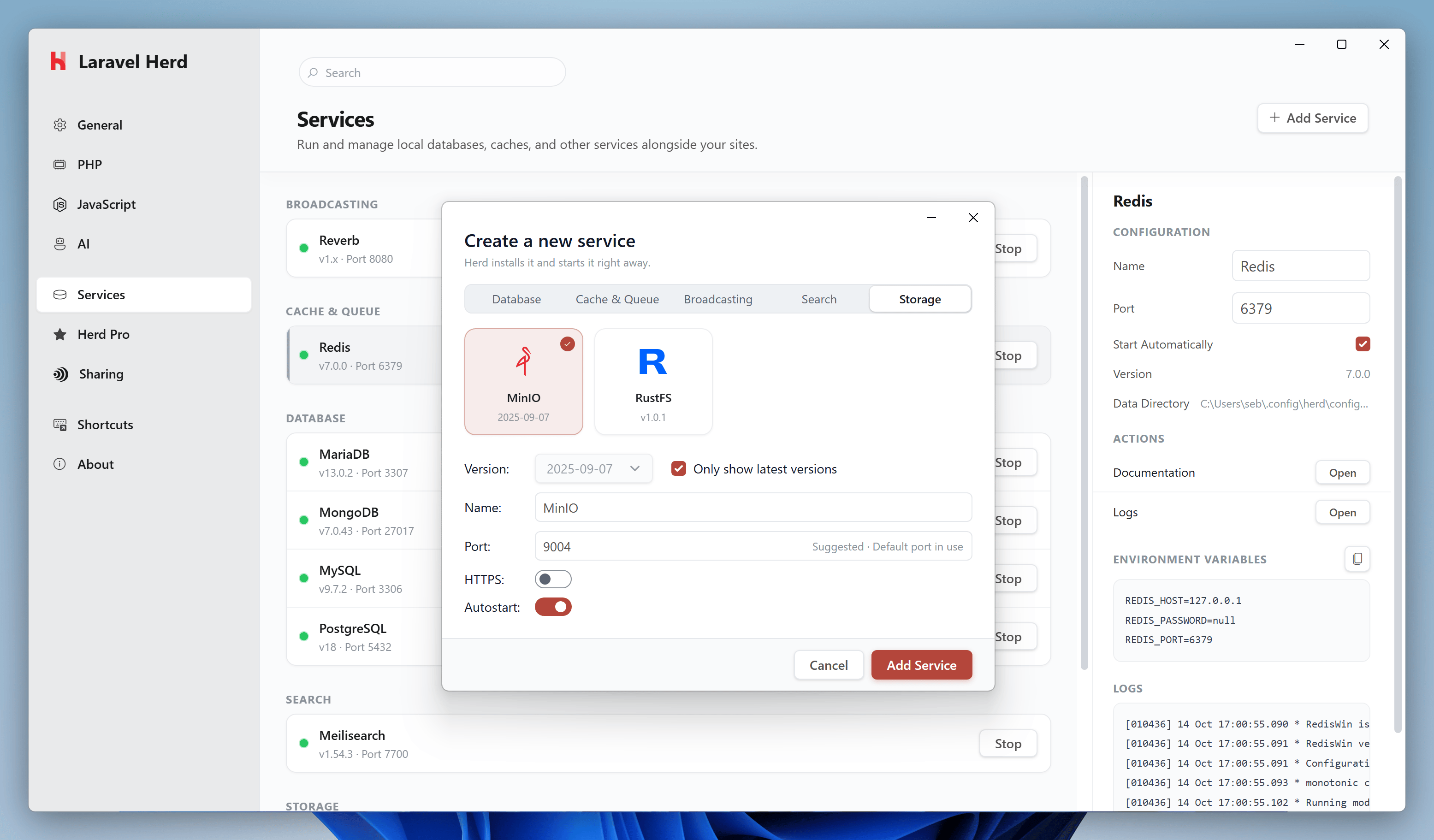
Configuration
Before you can connect your application to MinIO, you need to create a first bucket within the dashboard. The easiest way to access the dashboard or view the logs of the service is via the Herd service configuration.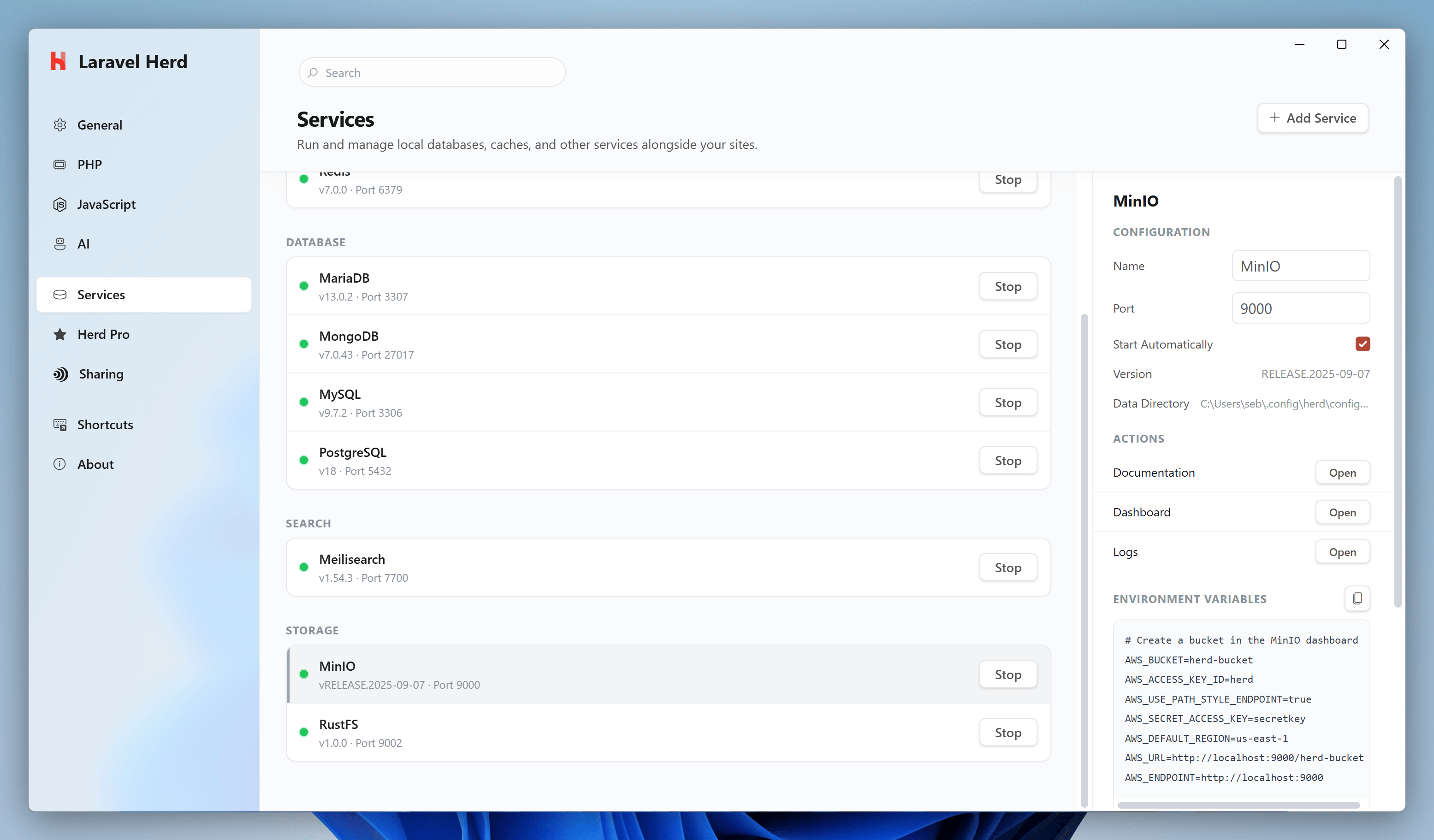
Dashboard
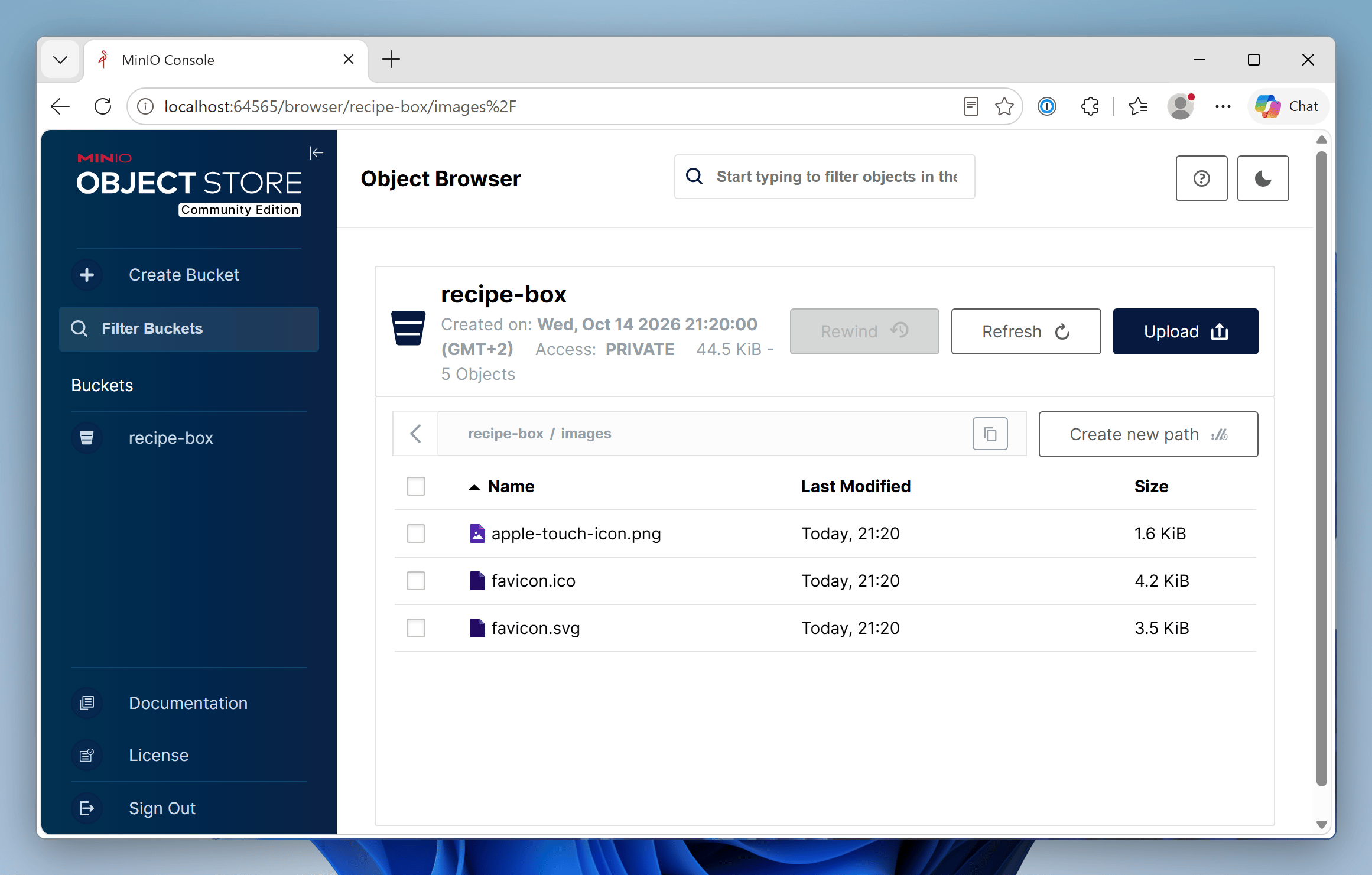
You can access the MinIO dashboard viahttp://localhost:PORT or by using the dashboard button in the services list. Log in with the AWS_ACCESS_KEY_ID and AWS_SECRET_ACCESS_KEY to create your first bucket and use the object storage like in your production environment.
Environment Variables
After setting the name, port, and autostart options and starting up the service, please log into the dashboard and create a bucket to be able to upload files. You can then adjust your.env file in order to connect to your local MinIO service.
MinIO CLI (mc)
Recent versions of MinIO have removed bucket management from the web dashboard. To create and manage buckets, use the official MinIO Client (mc).
Download the latest mc.exe from the MinIO Client repository and add it to your system PATH.
Then set up an alias pointing to your Herd MinIO service: