

Applications
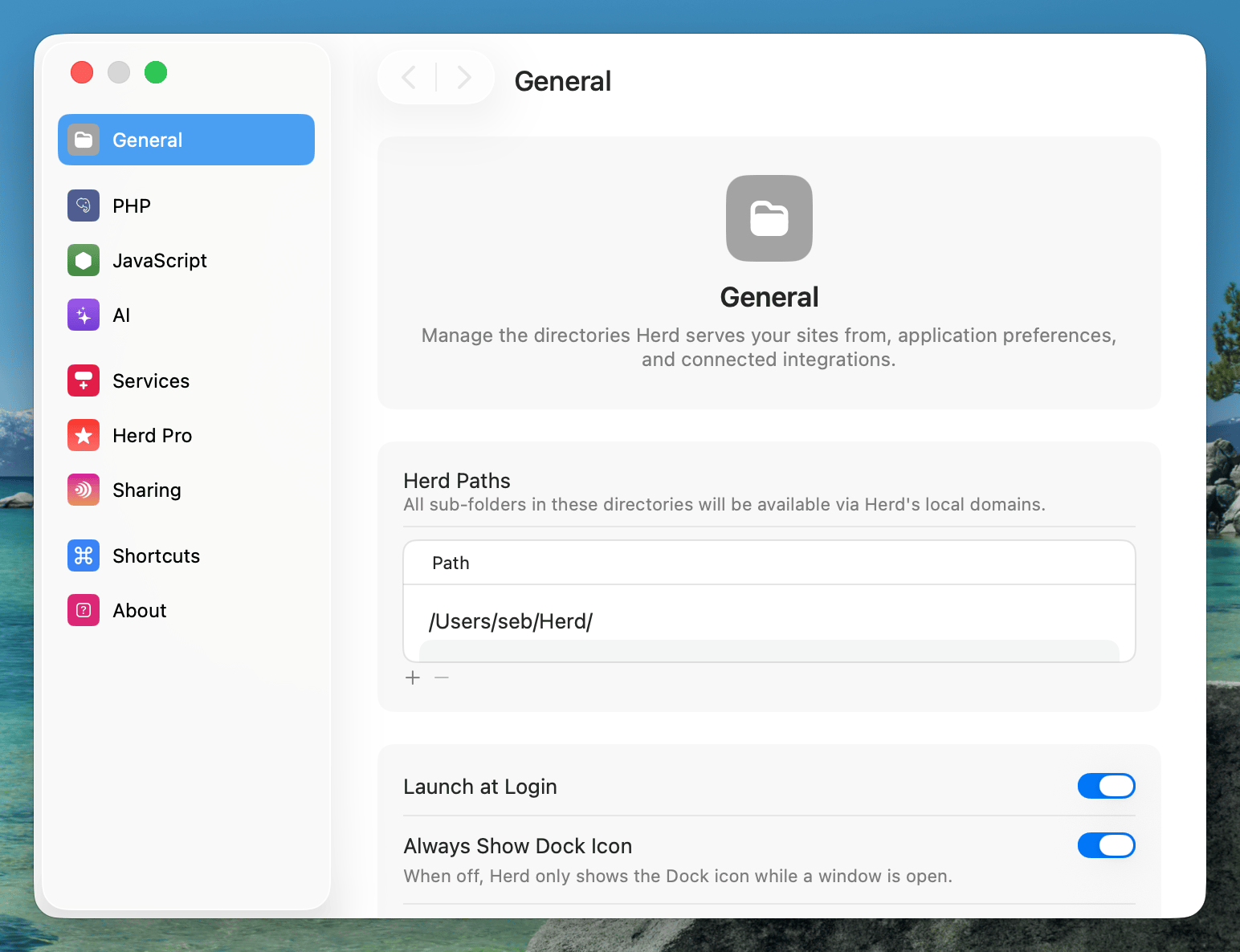
Herd uses the concept of parked paths and linked directories for serving applications. You can access every application in a parked path via<directory-name>.test. By default, Herd parks the ~/Herd directory for you. Any PHP application in this directory is available via its .test domain automatically. If you have other locations for your projects, you can add them as parked paths in the general settings or link individual projects as a linked directory.
Creating your first application
The fastest way to manage your applications and to create new ones is the command line.herd edit command even opens your favorite IDE.
Linking an existing application
You can link an existing application with a specific domain via thelink command from any directory on your machine. The link command uses the directory name as domain name if you don’t set additional parameters.
your-project.test and custom-domain.test. This is useful if you want to use an application from multiple domains, for example in multi-tenancy environments or if you don’t store all your projects in a single code directory.
Via the GUI
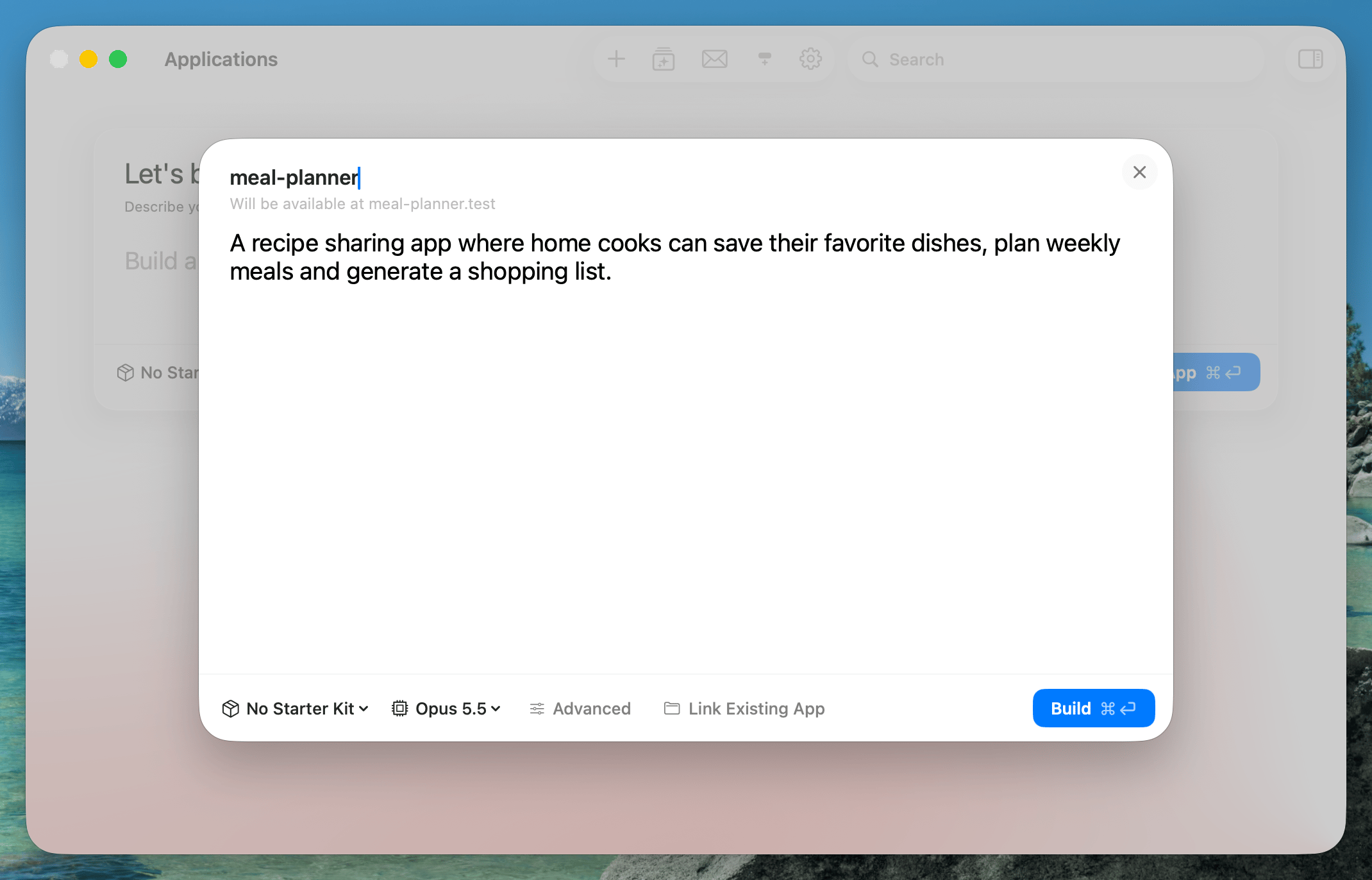
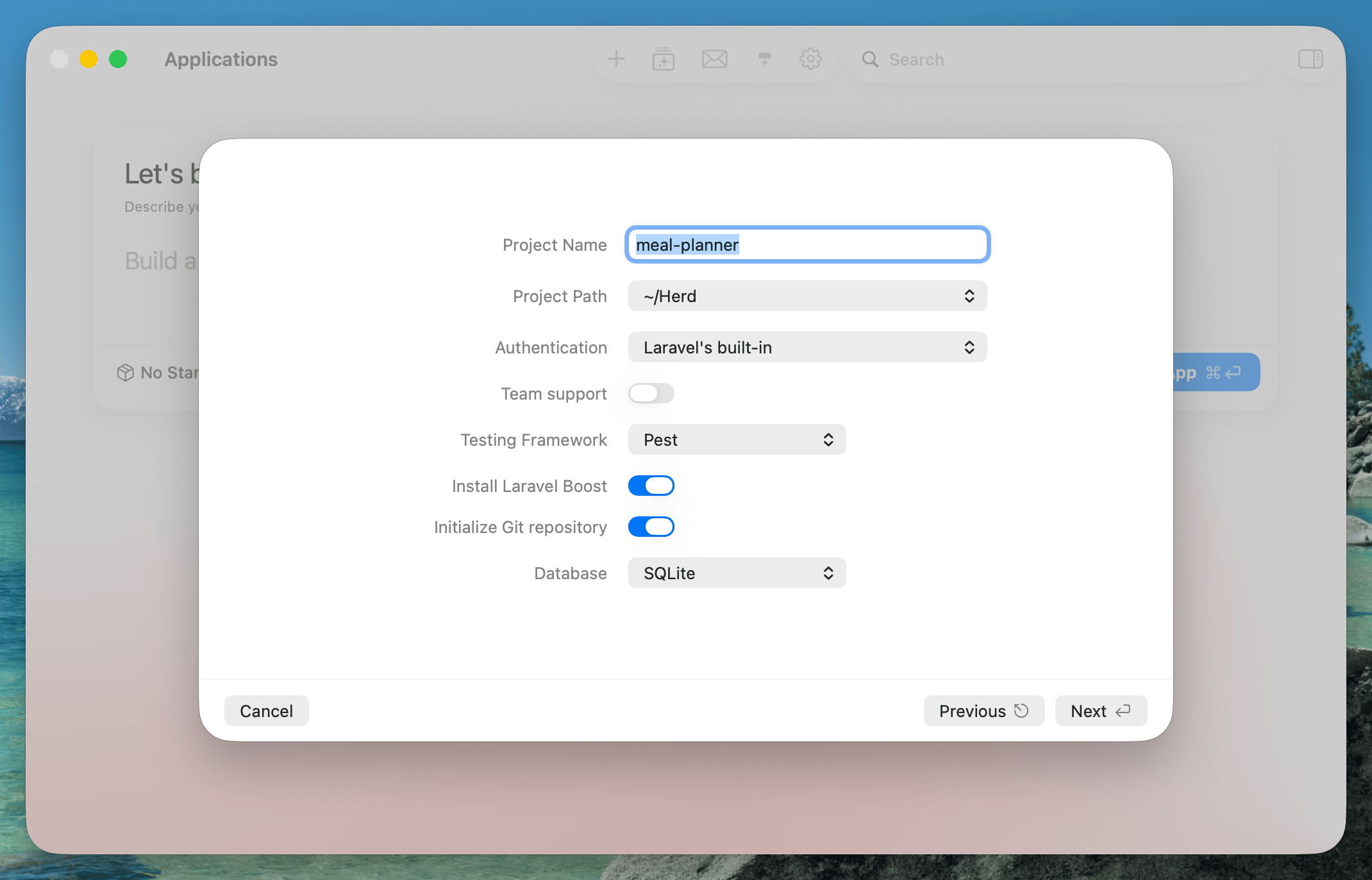
If you prefer creating and linking applications via a graphical user interface, you can use the new application window of Herd. Select “New Application” from the Herd menu bar icon or press⌘N in the Applications window.
You can describe your application in a prompt and let a coding agent build it for you. If you leave the prompt empty, Herd creates a fresh Laravel application with the selected starter kit.
Unlinking an existing application
You may remove a previously created link, by using theunlink command from any directory on your machine. The unlink command uses the directory name as domain name if you don’t set additional parameters.