

Set up RustFS
RustFS is an open-source, S3-compatible object storage server. It’s a drop-in alternative to MinIO and works with the same AWS S3 APIs you use in production. You can set up RustFS as a Herd service and use its built-in dashboard to create buckets.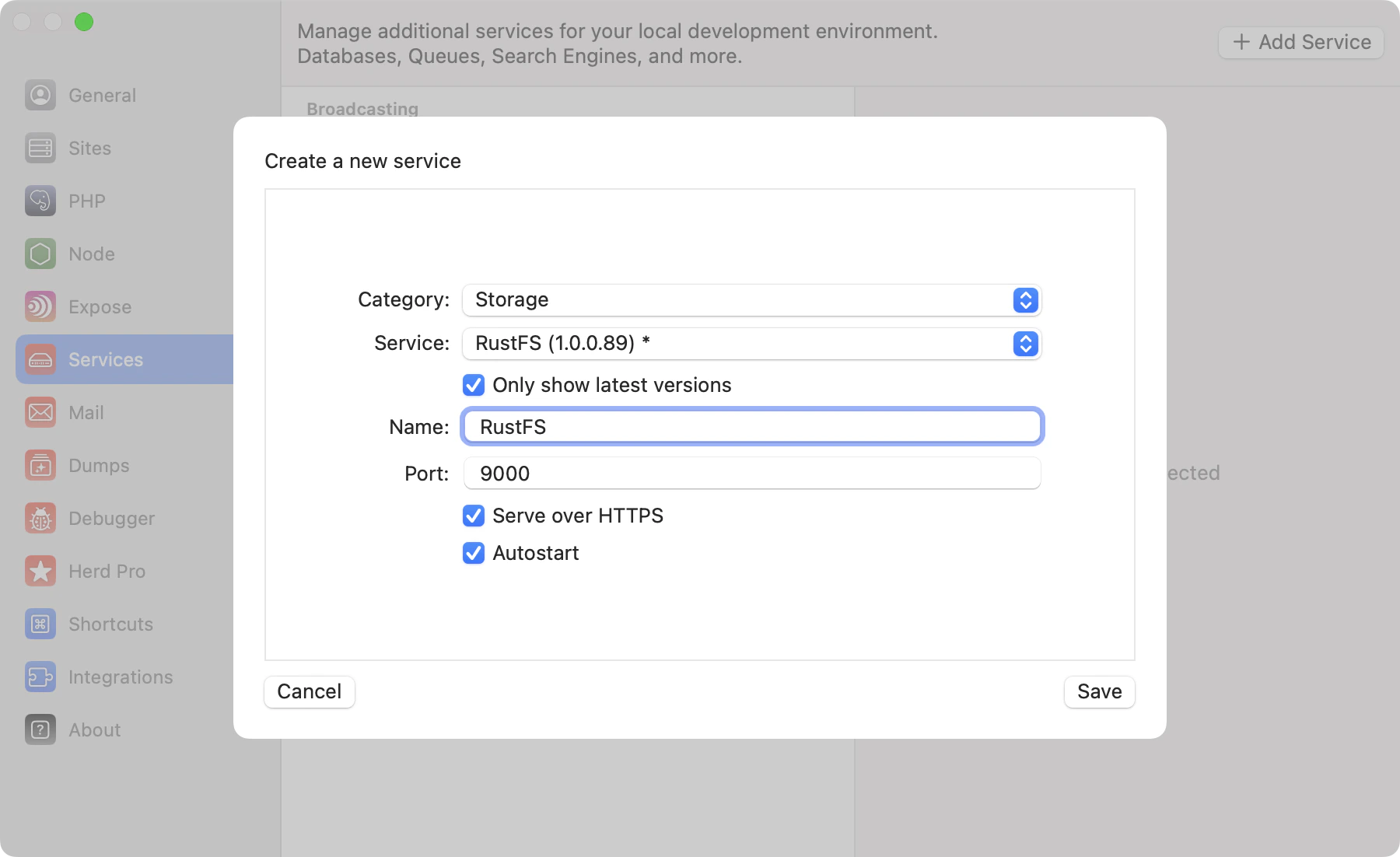
Configuration
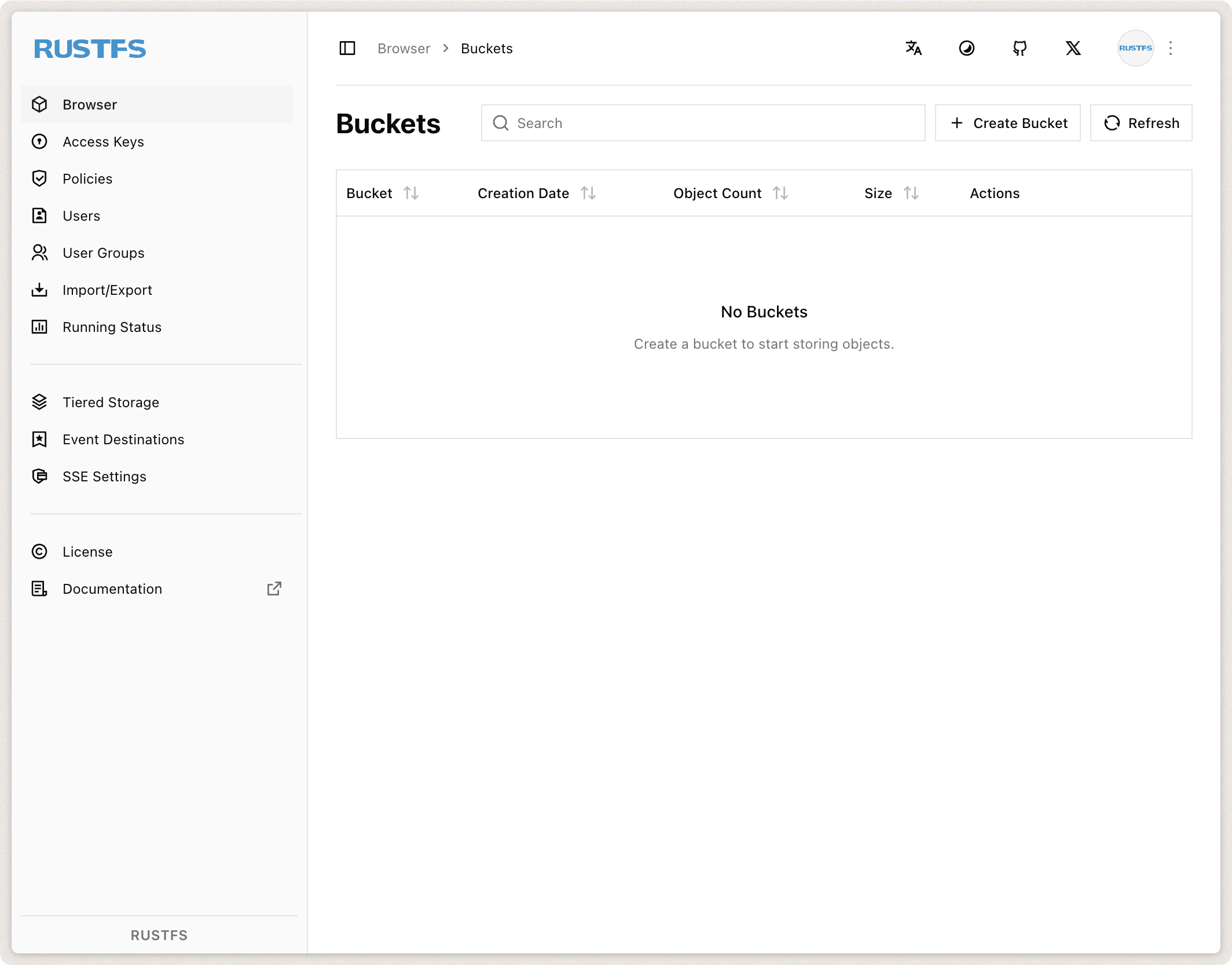
Before connecting your application to RustFS, create a bucket using the dashboard. Access the dashboard or view service logs via the Herd service configuration.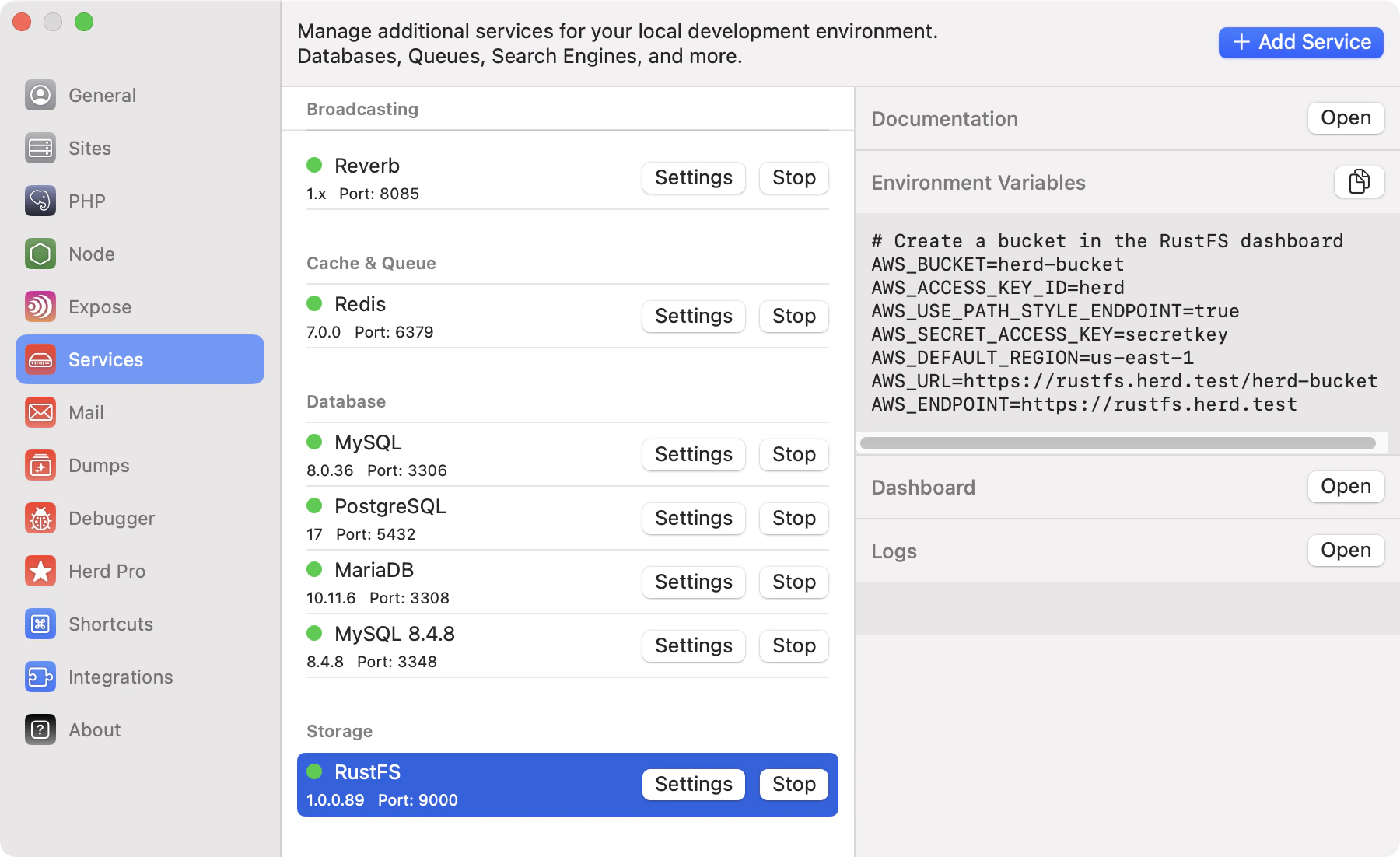
Dashboard
Access the RustFS dashboard viahttp://localhost:CONSOLE_PORT or by using the dashboard button in the services list. Log in with the default credentials (herd / secretkey) to create your first bucket.
Environment Variables
After configuring the service name, port, and autostart options, start the service, log into the dashboard, and create a bucket. Then update your.env file to connect your Laravel application to RustFS:
HTTPS
If you enable “Serve over HTTPS” in the service configuration, your RustFS instance will be available via a.herd.test domain with a trusted SSL certificate. Update your .env accordingly:
rustfs in the URL with the name of your RustFS service (as shown in Herd).
You can find additional information about configuring S3-compatible storage with Laravel in the Laravel documentation.