> ## Documentation Index
> Fetch the complete documentation index at: https://herd.laravel.com/docs/llms.txt
> Use this file to discover all available pages before exploring further.
# Tinker
# Launching Tinker
Laravel Tinker is a REPL for Laravel, and it allows you to interact with your application via the command line. While you usually start it via the terminal by running `php artisan tinker` or `herd tinker`, Herd provides a convenient button in the actions column in the sites settings as well as a global shortcut that instantly opens the active project automatically.
Herd integrates natively with [Tinkerwell](https://tinkerwell.app) and gives you a fantastic tinker experience with multi-line code editing, autocompletion, and SSH access to your applications.
## Open Tinker from the site settings
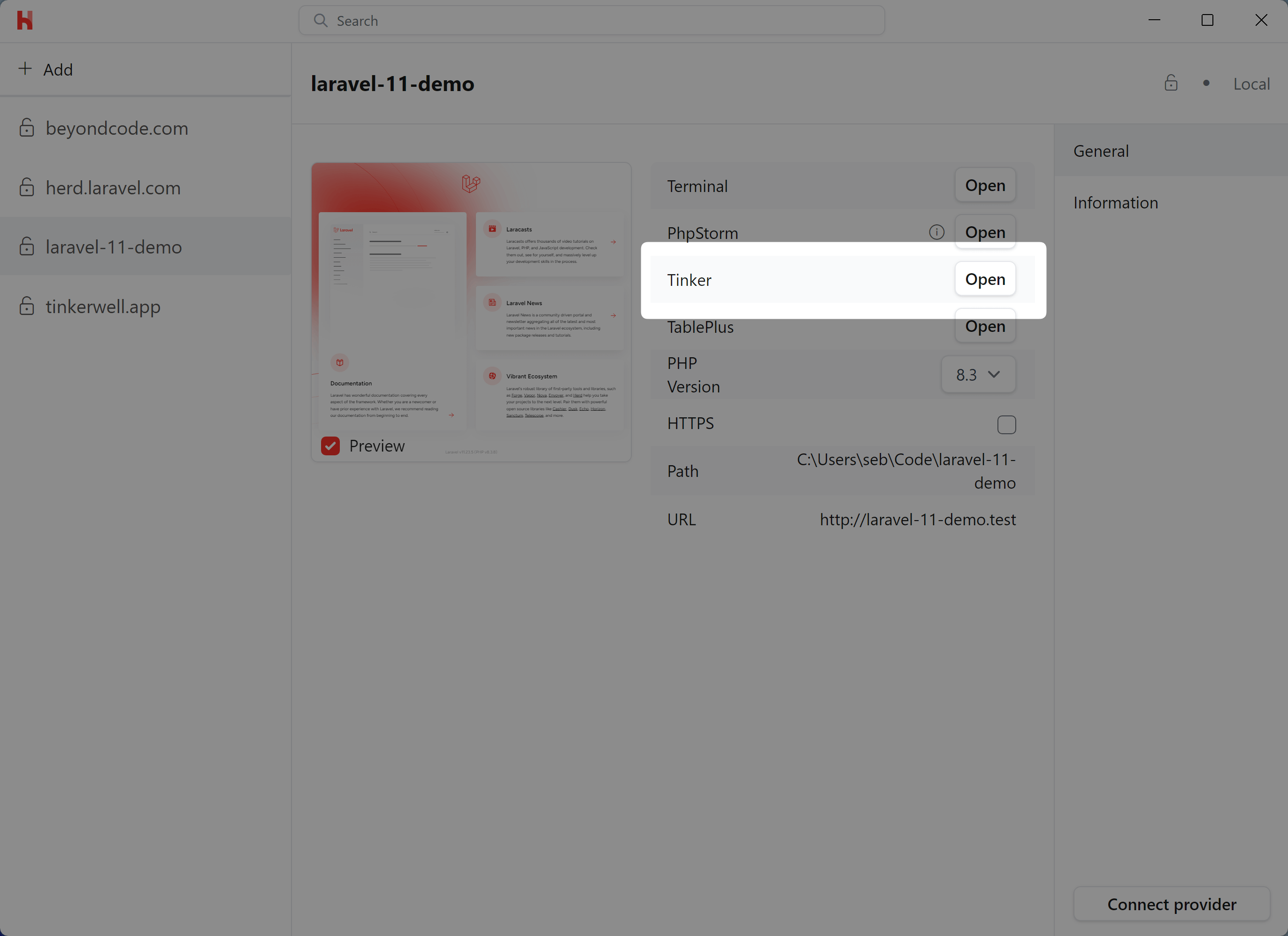
You can run the Tinker site action from the [Site Manager](/windows/advanced-usage/managing-sites) to start a new tinker or Tinkerwell session directly in your site.
 ## Open Tinker with a global shortcut
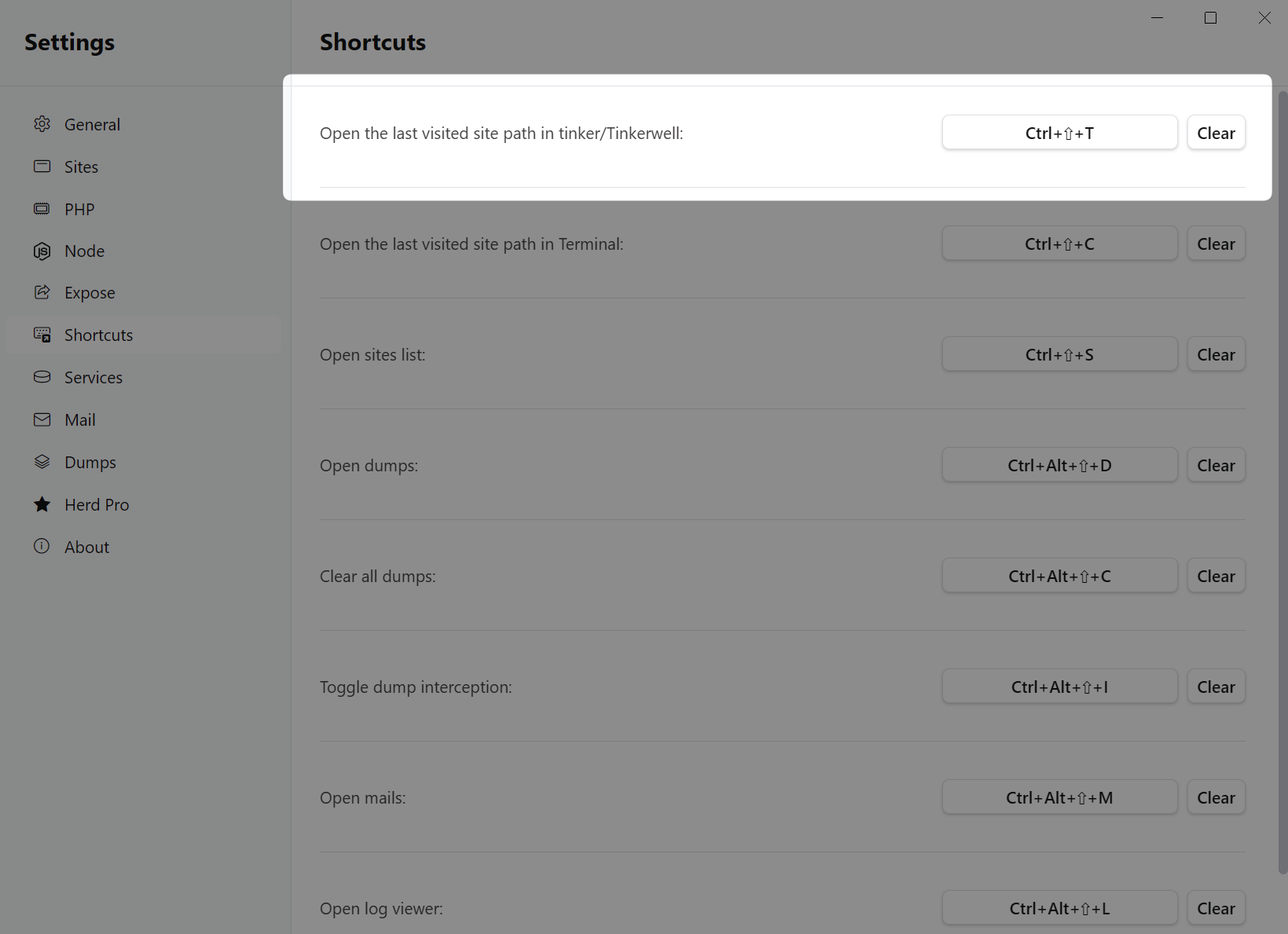
Herd allows you to define global system shortcuts and Tinker is part of this configuration. By pressing the global tinker shortcut, Herd starts a tinker session for the last site that you visited via your browser.
## Open Tinker with a global shortcut
Herd allows you to define global system shortcuts and Tinker is part of this configuration. By pressing the global tinker shortcut, Herd starts a tinker session for the last site that you visited via your browser.
 # Tinkerwell Integration
[Tinkerwell](https://tinkerwell.app) users benefit from the deep integration between both tools, so if you are running `herd tinker`, click the button in the site settings or press the global shortcut and Herd detects Tinkerwell on your machine, Tinkerwell opens a new tab with the most recent Herd project automatically.
This allows you to quickly iterate on complex Eloquent queries or debug some code. It also provides autocompletion and a familiar multi-line code editor experience that goes beyond a simple REPL.
# Tinkerwell Integration
[Tinkerwell](https://tinkerwell.app) users benefit from the deep integration between both tools, so if you are running `herd tinker`, click the button in the site settings or press the global shortcut and Herd detects Tinkerwell on your machine, Tinkerwell opens a new tab with the most recent Herd project automatically.
This allows you to quickly iterate on complex Eloquent queries or debug some code. It also provides autocompletion and a familiar multi-line code editor experience that goes beyond a simple REPL.
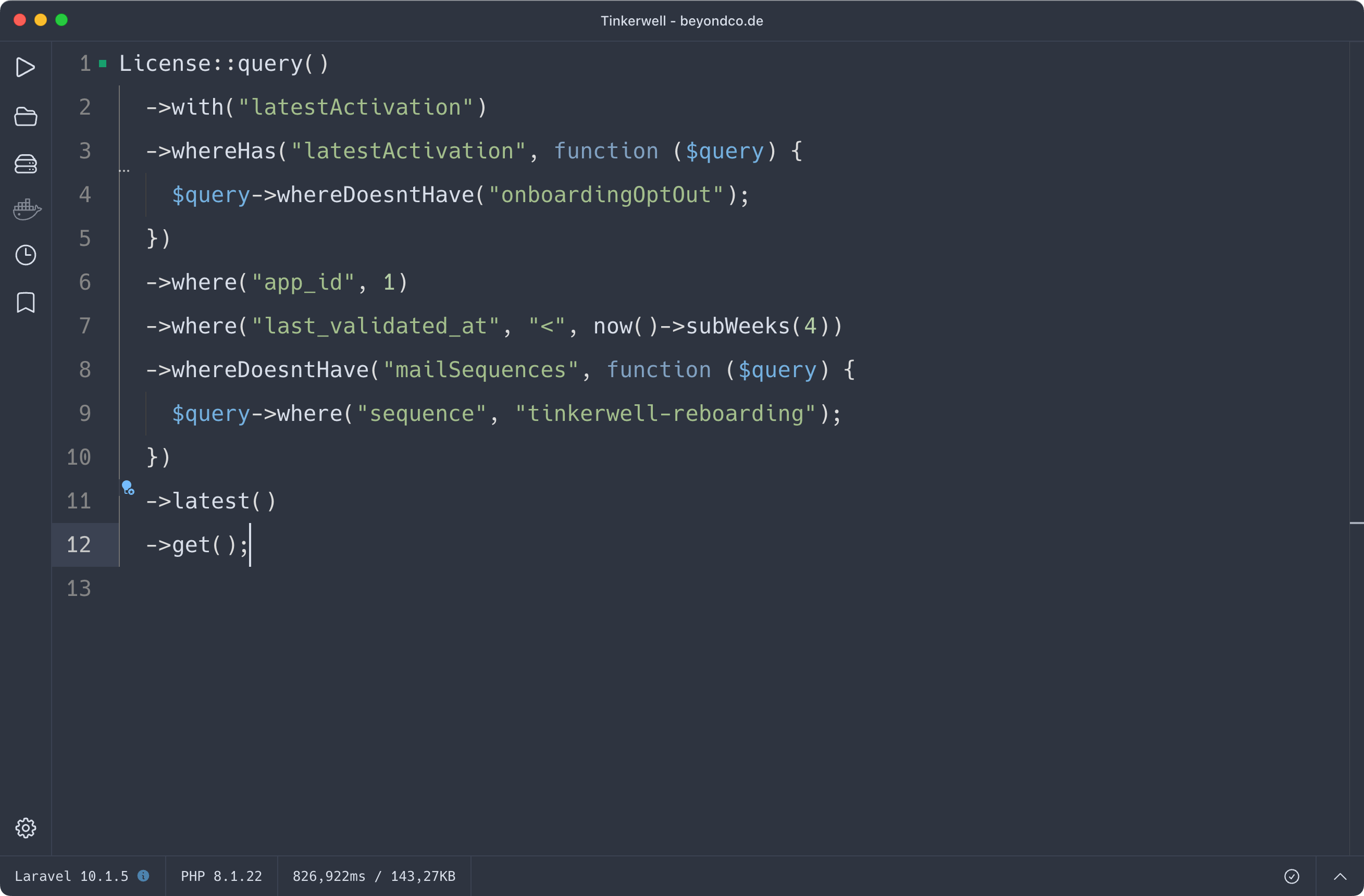 Tinkerwell ships with support for all of Herds PHP versions and automatically loads the correct configuration files.