> ## Documentation Index
> Fetch the complete documentation index at: https://herd.laravel.com/docs/llms.txt
> Use this file to discover all available pages before exploring further.
# Sharing Sites
# How to share a site
Herd makes it easy to share your local sites with the world. This is great for testing your sites on different devices, receiving webhooks, or sharing them with clients and colleagues.
Herd uses [Expose](https://expose.dev) to share your sites.
## Sharing sites via Expose
Expose may not be available in all geographical regions due to regulatory reasons. If Expose isn't available in your country, try [ngrok](#sharing-sites-via-ngrok).
To share your site using Expose, you first need to [create a free Expose account](https://expose.dev/register).
Once you have obtained your authentication token, you can configure it in the "Expose" tab of the preferences window.
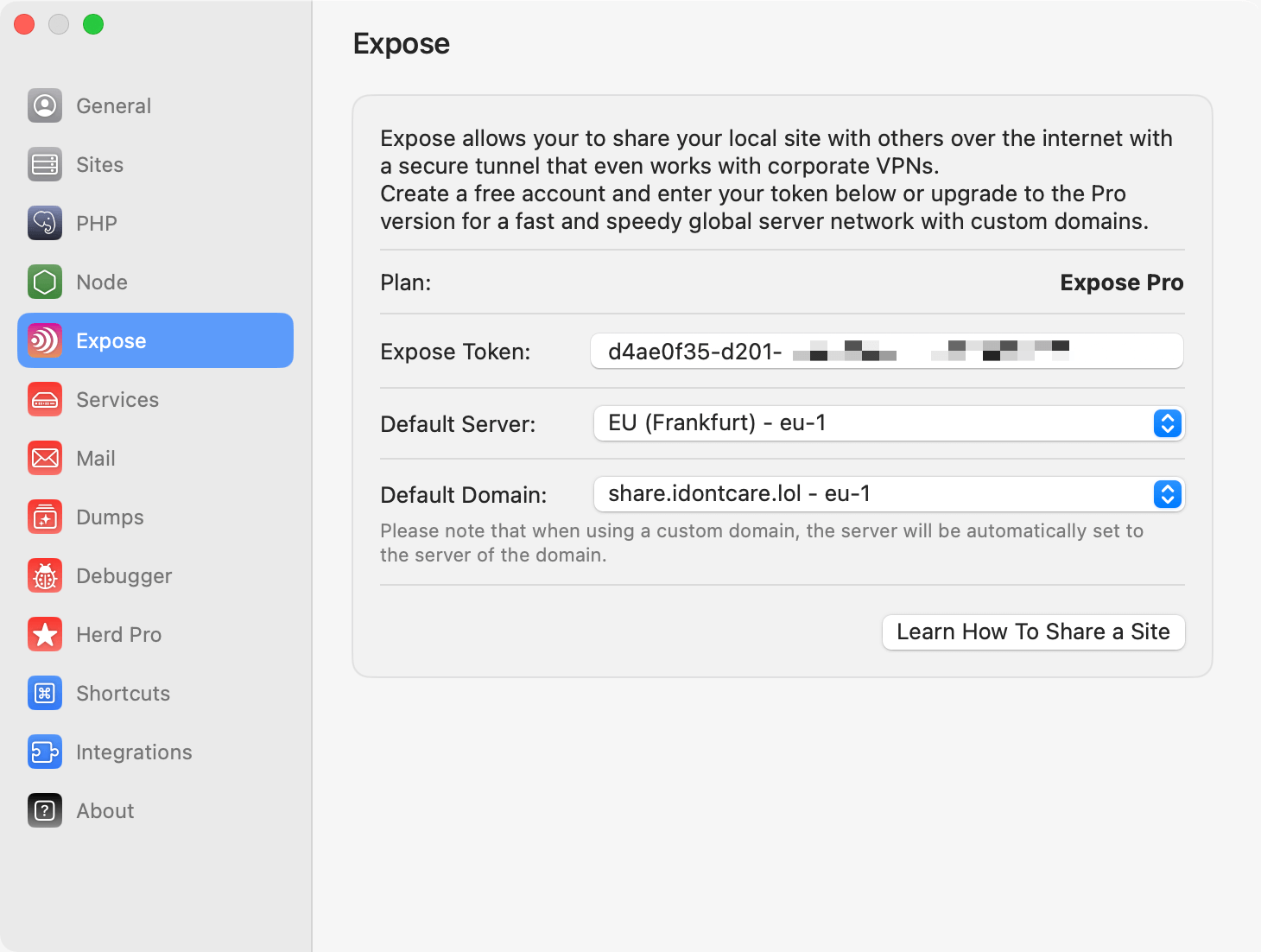 Or you can use the CLI:
```shell theme={null}
expose token YOUR_TOKEN_HERE
```
Once you configured your authentication token, you can share your sites by running `herd share` or `expose share` in the site directory that you want to share.
```shell theme={null}
cd ~/Herd/example-site
herd share
# Share a linked site:
herd share http://your-local-site.test
# You can share a secured site with:
herd share https://your-secured-local-site.test
```
You can specify a subdomain or server region for best performance and by adding parameters for them to the `share` command.
```shell theme={null}
herd share https://example-site.test --subdomain=my-project-name --server=us-1
```
## Sharing with basic authentication
You may protect your share links with basic authentication by using the `--basicAuth` argument when sharing your site.
```shell theme={null}
herd share https://example-site.test --basicAuth="user:password"
```
## Sharing sites via ngrok
If you want to use ngrok, install it according to their instructions. After that, you can share Herd sites via the terminal:
```shell theme={null}
ngrok http --host-header=rewrite unsecured-site.test
ngrok http --host-header=rewrite secured-site.test:443
```
Or you can use the CLI:
```shell theme={null}
expose token YOUR_TOKEN_HERE
```
Once you configured your authentication token, you can share your sites by running `herd share` or `expose share` in the site directory that you want to share.
```shell theme={null}
cd ~/Herd/example-site
herd share
# Share a linked site:
herd share http://your-local-site.test
# You can share a secured site with:
herd share https://your-secured-local-site.test
```
You can specify a subdomain or server region for best performance and by adding parameters for them to the `share` command.
```shell theme={null}
herd share https://example-site.test --subdomain=my-project-name --server=us-1
```
## Sharing with basic authentication
You may protect your share links with basic authentication by using the `--basicAuth` argument when sharing your site.
```shell theme={null}
herd share https://example-site.test --basicAuth="user:password"
```
## Sharing sites via ngrok
If you want to use ngrok, install it according to their instructions. After that, you can share Herd sites via the terminal:
```shell theme={null}
ngrok http --host-header=rewrite unsecured-site.test
ngrok http --host-header=rewrite secured-site.test:443
```